Downloads
The Billboard apps
One for the screens on your walls, one for the doors of your meeting rooms. Both are run from the same Billboard account in your browser, and both have a browser version for any screen that is not an Apple device.
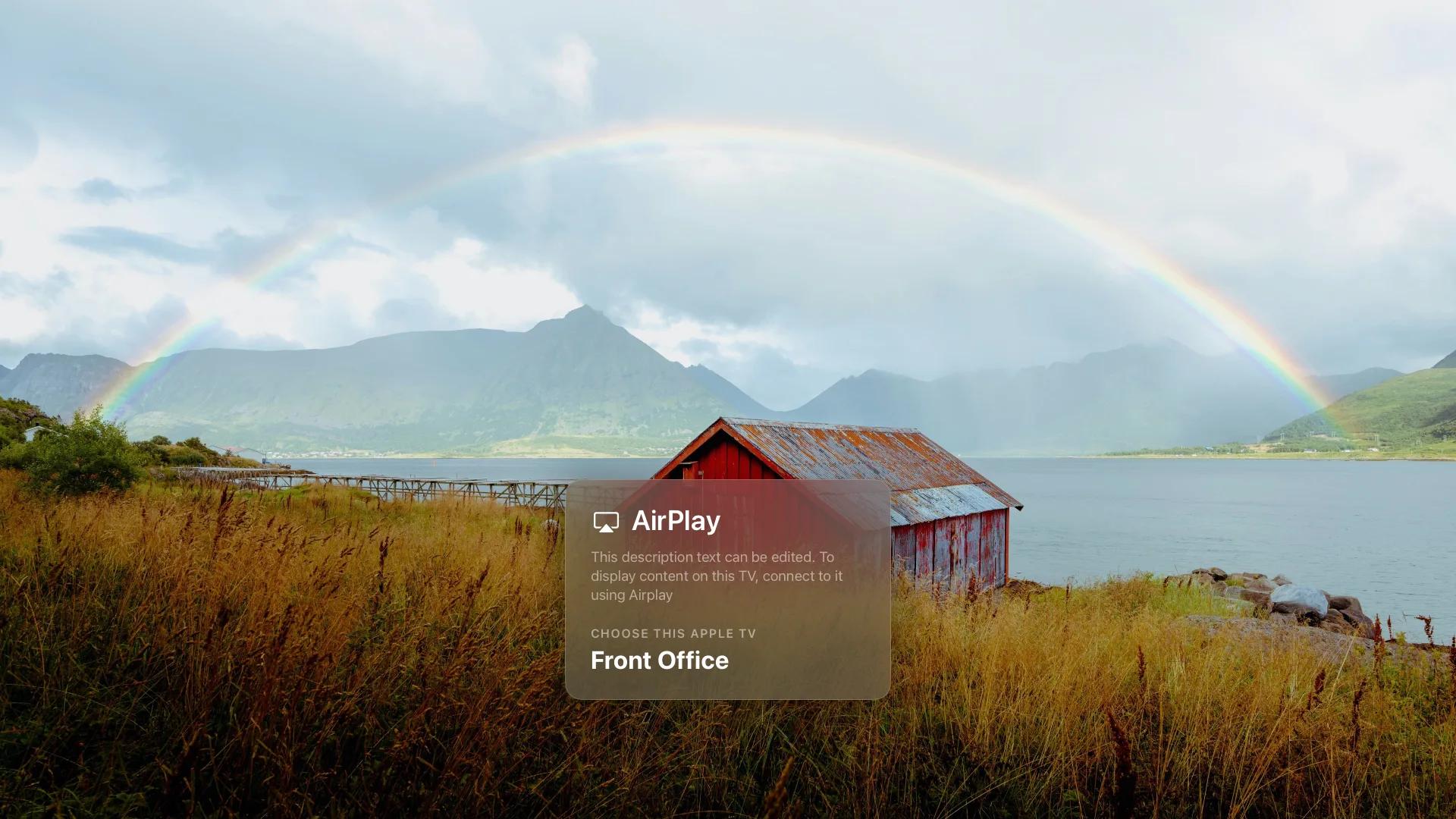
For Apple TV
Billboard Screen
Plays your galleries on every Apple TV in the building: photos, video, boards, weather and alerts. AirPlay keeps working on every screen, so anyone can still cast in a meeting.
- Runs on
- Apple TV HD or 4K, tvOS 17 or later
- Price
- Free, with any Billboard plan

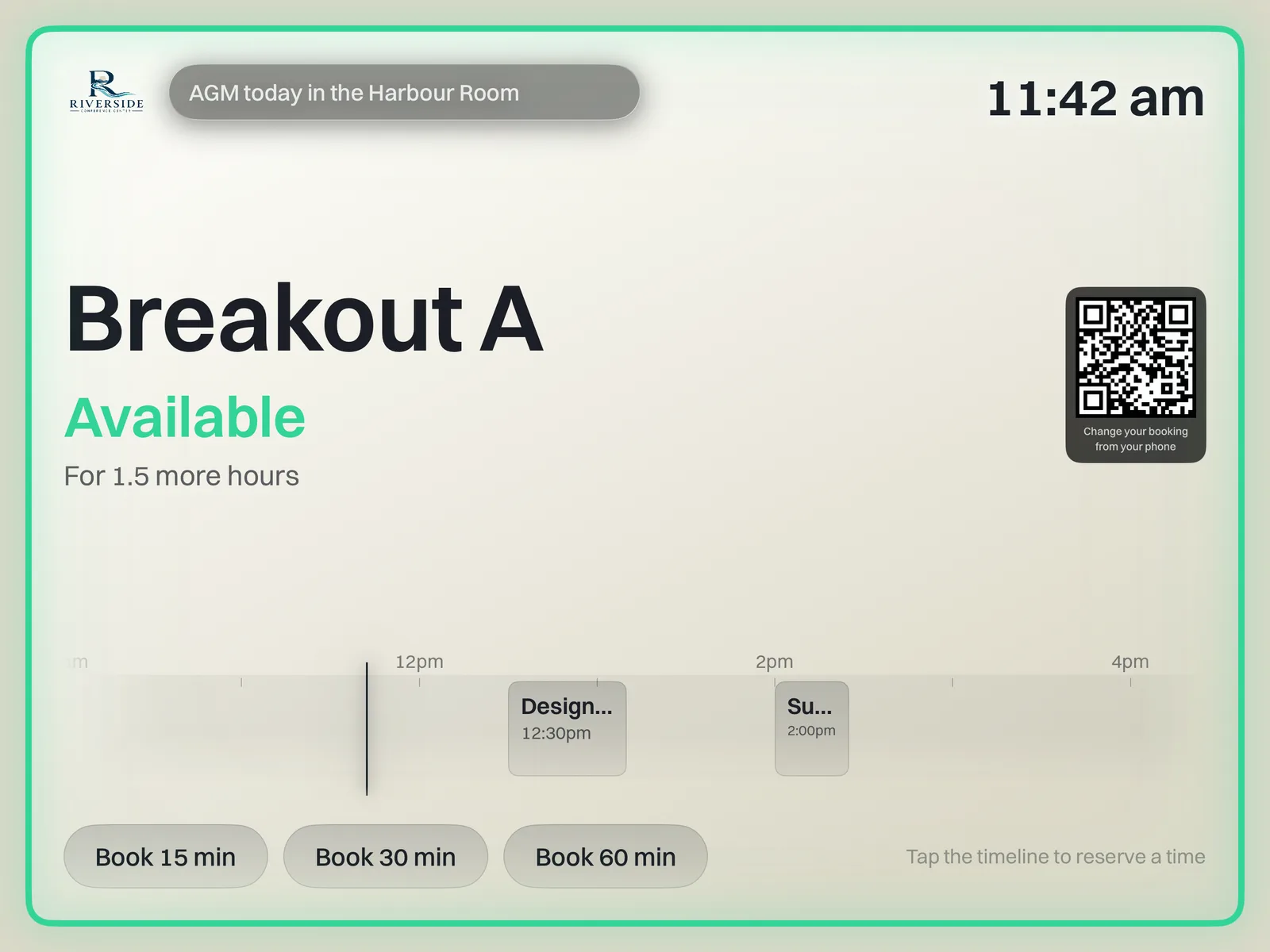
For iPad
Billboard Rooms
Turns an iPad by the door into a meeting room panel. It shows what is on now and what is next from your calendar, and anyone standing there can book the room for half an hour.
- Runs on
- iPad, iPadOS 17 or later
- Price
- From A$15 a month on top of a plan, A$30 on its own
No app needed
A screen that is not an Apple TV
A smart TV, a spare laptop or a Chromebox. Open player.getbillboard.app in its browser and it shows a code, just like the app.
A room panel on any tablet
Open player.getbillboard.app/r/ followed by the room code. An Android tablet or an old laptop works as well as an iPad.
The dashboard on your phone
Open getbillboard.app on your phone and add it to your home screen. It opens full screen, like an app.